
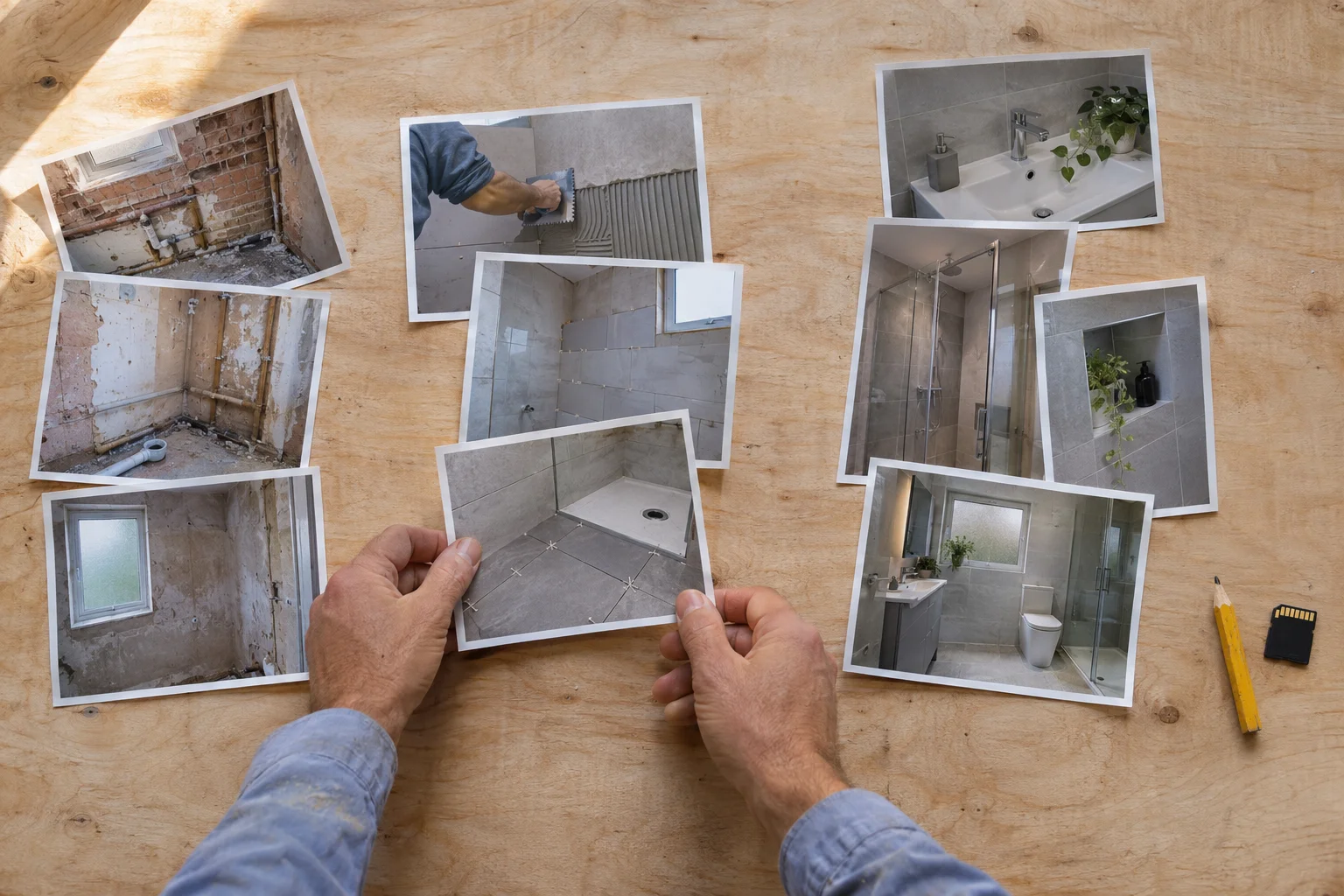
Social media posting Practical guide
How to organise job photos for web and social
Use one folder per job, keep original files untouched, and log the details you always forget later: job reference, date, what the image shows, caption note and publication status. Rename only the files you are actually putting forward for publishing, using descriptive filenames instead of camera defaults. If publication status is unknown, hold the image until you have checked it.
Take this with you
At a glance
- Create one shallow folder structure per job and keep the untouched camera files in an originals folder.
- Use a simple photo register with job reference, date, what each file shows, caption note and Approved, Held or Unknown status.
- Rename only the shortlisted files you may publish, and keep anything with unknown publication status out of your website and social queue.
If your job photos live in WhatsApp, your phone camera roll, three laptops and a random cloud folder, they will not help your marketing much. You will waste time hunting for a decent before-and-after, forget what a photo actually shows, and risk posting something you meant to check first.
The fix does not need special software or a long process. You need one folder structure, one short photo register, and one rule for anything you are not sure about: hold it.
If you want to organise trade job photos for marketing, keep the system boring enough that you will still use it after a busy week.
Start with one folder per job
Create one main folder for each job using the date, job reference and a short location or job type. That makes the folder easy to sort and easy to find later.
Example folder name:
2026-11-04_JOB-4172_Leeds-bathroom-refit/
Inside it, keep four subfolders:
01-originals/02-completed-work/03-progress-shots/04-shortlist-web-social/
That is not a vendor standard. It is simply a tidy working structure.
If you use HighLevel to store marketing assets, this approach fits how its media storage works. HighLevel supports folder uploads, keeps folder structure, lets you search across folders and subfolders, and sort by name, size and modified date. It also currently supports folder uploads up to three nested levels and up to 1,000 files per upload, which is another reason to keep the structure simple. HighLevel HighLevel
The point is not perfection. The point is that every completed job starts in the same place.
Keep originals untouched
Your 01-originals folder is your safety copy. Put the untouched camera files there first. Do not crop them, rename them or compress them in that folder.
Why? Because once you start editing and renaming, you can lose track of what was shot, which version is the cleanest, and whether a file has already been reduced for social posting.
A simple rule helps:
- originals stay untouched
- working copies go into the other folders
- anything prepared for posting goes into
04-shortlist-web-social/
That also makes it easier to go back later if you redesign a service page, need a wider crop for a banner, or want a cleaner close-up for a case study.
Separate completed work from progress shots
Do not dump everything into one folder called bathroom photos.
Completed work and progress shots do different jobs.
Completed work is what most people expect to see on your website, service pages and review-style posts. Progress shots can still be useful, but usually for explaining process, showing care, or filling out a project update.
Keeping them separate stops common problems:
- posting first-fix work when you meant to show the finished room
- mixing dusty site photos into a polished website gallery
- forgetting that a strong process photo is not the same thing as a finished result
When you shortlist images for marketing, keep the bar fairly high. Google says clear, high-quality images are more useful than blurry or unclear ones. It also says descriptive filenames, captions, page text and alt text help it understand an image. Google
That means a slightly dull but sharp finished photo is often more useful than a dramatic but blurry one.
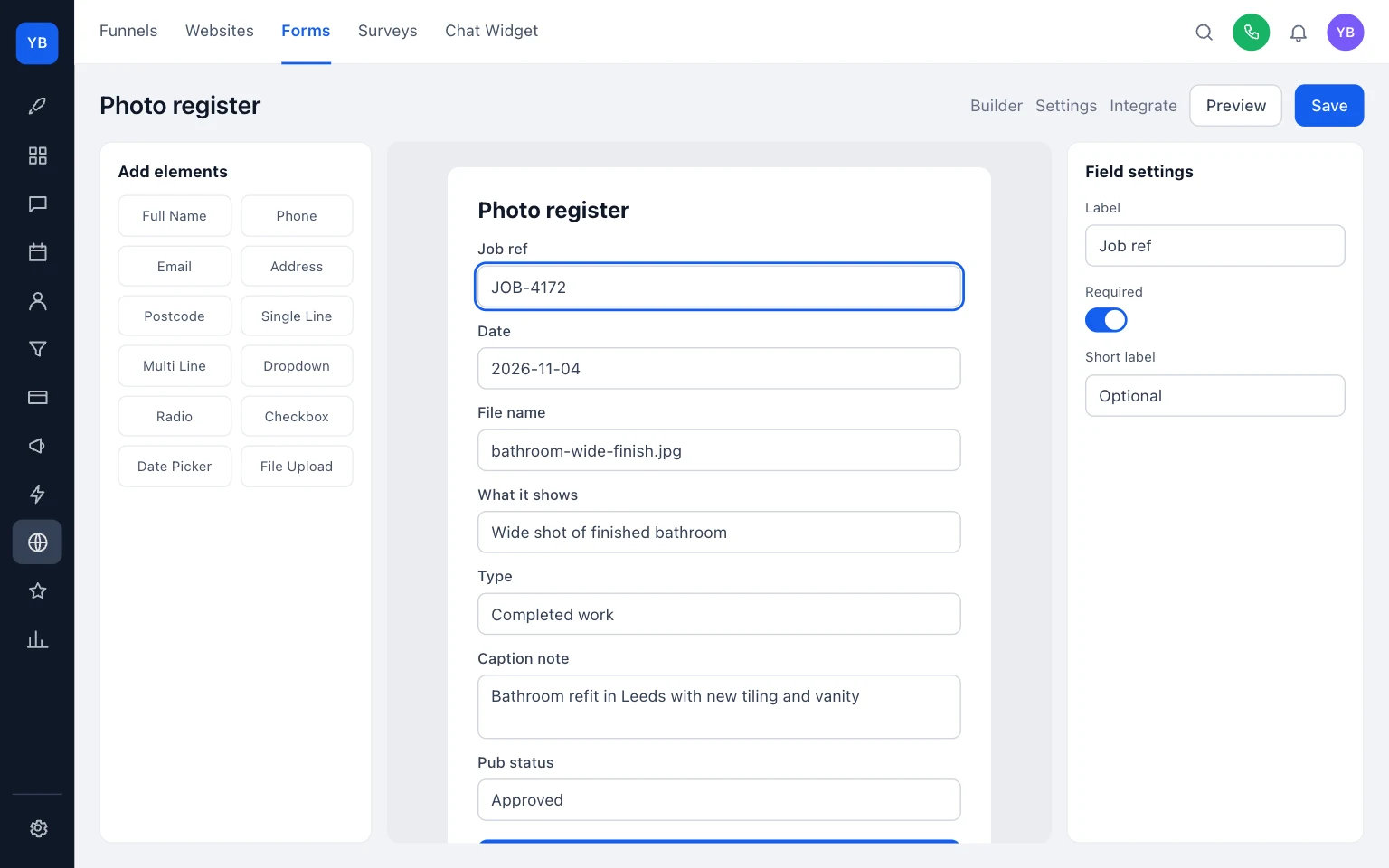
Use one simple photo register
The photo register is just a log. It stops you guessing later.
Record the same few fields every time:
Scroll sideways to see all columns.
| Job ref | Date | File name | What it shows | Type | Caption note | Pub status |
|---|---|---|---|---|---|---|
| JOB-4172 | 2026-11-04 | bathroom-wide-finish.jpg | Wide shot of finished bathroom | Completed work | Bathroom refit in Leeds with new tiling and vanity | Approved |
| JOB-4172 | 2026-11-04 | first-fix-pipework.jpg | Pipework before walls closed | Progress shot | First-fix stage before boxing in | Held |
| JOB-4172 | 2026-11-04 | bathroom-video-pan.mp4 | Slow pan of finished room | Completed work | Finished room overview | Unknown |
Use the status column as an internal publishing check:
Approved= you are content to publish itHeld= do not publish it nowUnknown= publication position not confirmed, so do not publish it yet
Unknown should be treated as a hold state. If you are not sure, it stays out of the website and social queue.
If you keep this register inside HighLevel, mirror these same seven fields in one simple internal form or record. Do not add extra fields unless you will actually maintain them.
The caption note matters because it saves time later. Google says filenames give a clue about subject matter, and captions and surrounding text help image understanding. Google W3C also says text alternatives depend on purpose: informative images need a short description of the essential information, while decorative images should use empty alt text. W3C W3C
So when you write a caption note such as Finished bathroom with wall tiles, niche and vanity, you are doing useful prep for both your page content and your alt text.
This is an internal publishing control to keep your marketing tidy. It is not legal advice.
Rename only the files you may publish
Do not spend time renaming every raw file from every job.
Rename the chosen marketing assets only.
Bad:
IMG_4021.jpgDSC00988.jpgimage1.png
Better:
leeds-bathroom-refit-finished-wide-shot.jpgbathroom-wall-tiles-close-up.jpgboiler-install-pipework-progress.jpg
This helps in three ways:
- you can find the file later without opening everything
- your website media library makes more sense
- if a filename is ever surfaced by a browser or screen reader, it is less confusing than a camera default
W3C notes that if alt text is omitted, some screen readers may announce the file name instead. W3C
That is one more reason not to leave publishable assets with names like IMG_4021.jpg.
Example
Here is one way to sort one existing job without overthinking it.
Before sorting, the files are:
IMG_4021.jpg— finished bathroom wide shotIMG_4022.jpg— tiled niche close-upIMG_4023.jpg— first-fix pipeworkIMG_4024.jpg— finished room with customer reflected in mirrorIMG_4025.jpg— blurry vanity unit close-upIMG_4026.mp4— slow pan of finished room
After sorting, the folder becomes:
2026-11-04_JOB-4172_Leeds-bathroom-refit/
01-originals/contains all six untouched files02-completed-work/contains copies ofIMG_4021.jpg,IMG_4022.jpg,IMG_4024.jpg,IMG_4026.mp403-progress-shots/contains a copy ofIMG_4023.jpg04-shortlist-web-social/contains renamed copies of approved files only:leeds-bathroom-refit-finished-wide.jpgbathroom-tiled-niche-close-up.jpg
Register for that job:
Scroll sideways to see all columns.
| Original file | New publish name | Folder now used | What it shows | Caption note | Pub status |
|---|---|---|---|---|---|
| IMG_4021.jpg | leeds-bathroom-refit-finished-wide.jpg | 04-shortlist-web-social | Finished bathroom wide shot | Finished bathroom after refit | Approved |
| IMG_4022.jpg | bathroom-tiled-niche-close-up.jpg | 04-shortlist-web-social | Tiled niche close-up | Close-up of niche tiling detail | Approved |
| IMG_4023.jpg | — | 03-progress-shots | First-fix pipework | First-fix stage before walls closed | Held |
| IMG_4024.jpg | — | 02-completed-work | Finished room with customer reflected in mirror | Finished room wide shot | Held |
| IMG_4025.jpg | — | 01-originals only | Blurry vanity unit close-up | Not suitable for shortlist | Held |
| IMG_4026.mp4 | — | 02-completed-work | Slow pan of finished room | Finished room video overview | Unknown |
Nothing has been lost. The originals are still there. The finished work is separated from progress shots. The shortlist is protected from guesswork because nothing with Held or Unknown status goes forward.
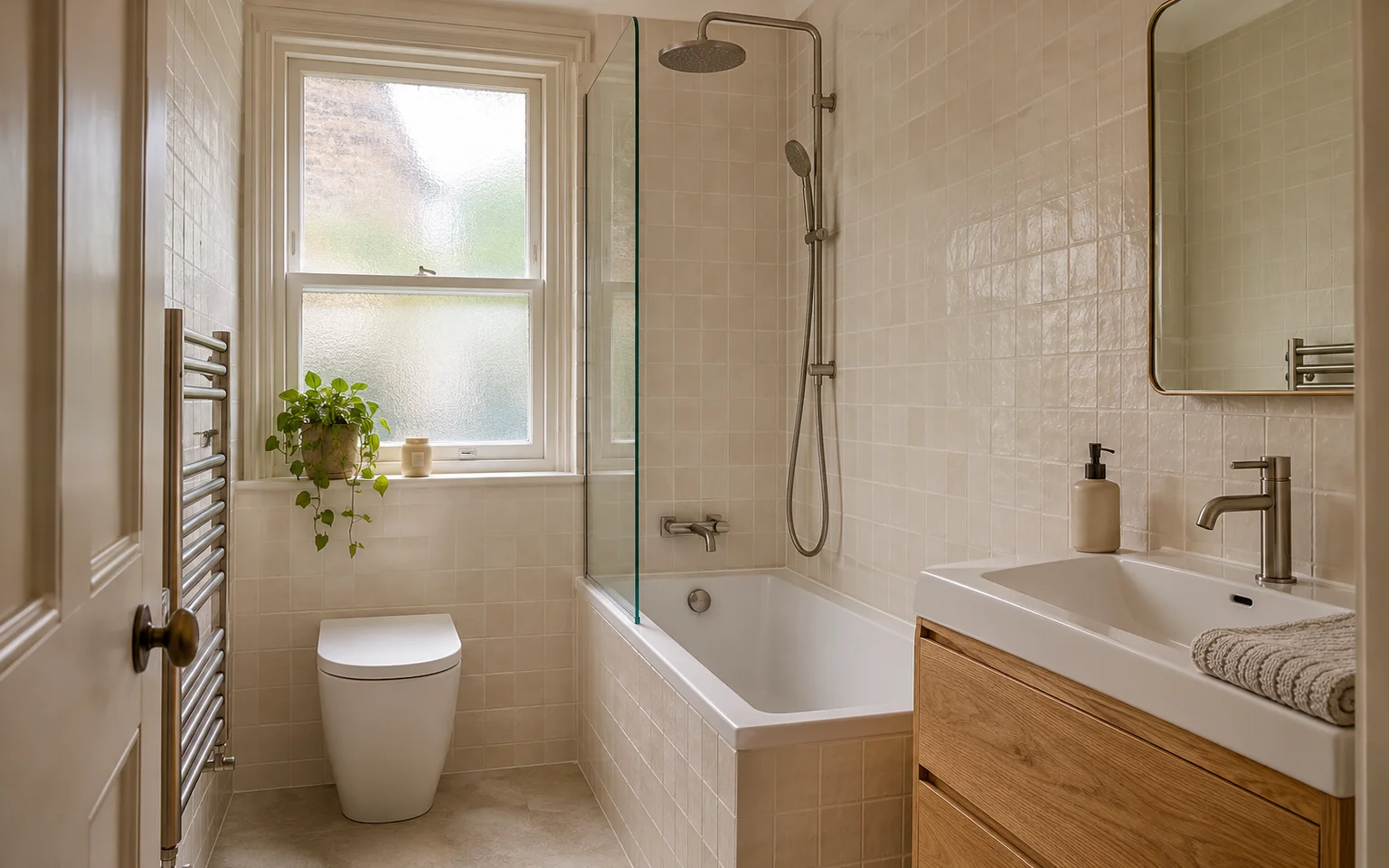
What to do today
Do this with one real job, not your whole archive.
- Pick one completed job from the last few weeks.
- Create the four folders exactly once.
- Move every untouched file into
01-originals/. - Copy finished results into
02-completed-work/. - Copy process photos into
03-progress-shots/. - Add a register row for each file you might use.
- Write a short caption note for the best images.
- Rename only the files you are actually putting into
04-shortlist-web-social/. - Mark anything unconfirmed as
Unknownand keep it out of the shortlist.
Once you have done one job properly, repeat the same pattern every time. The system matters more than the tool.
If you want help turning sorted photos into regular posts, see our social media service. If you are comparing options first, check pricing. You can also browse more practical templates in our guides, including Shared inbox handovers without crossed replies, Business email change checklist for trades and The job pipeline stages a small trades team needs.
Keep building your enquiry process
See our guides for trades for the wider picture, explore social media posting with UKTL and check the current package and pricing.
- Shared inbox handovers without crossed replies
- Business email change checklist for trades
- The job pipeline stages a small trades team needs
For a practical next step, read Check the number customers see on return calls.
Make it practical
Talk through your own setup.
If the website, local search and follow-up all need joining up, we can walk through how the UKTL setup works for your business.
Book a quick call