
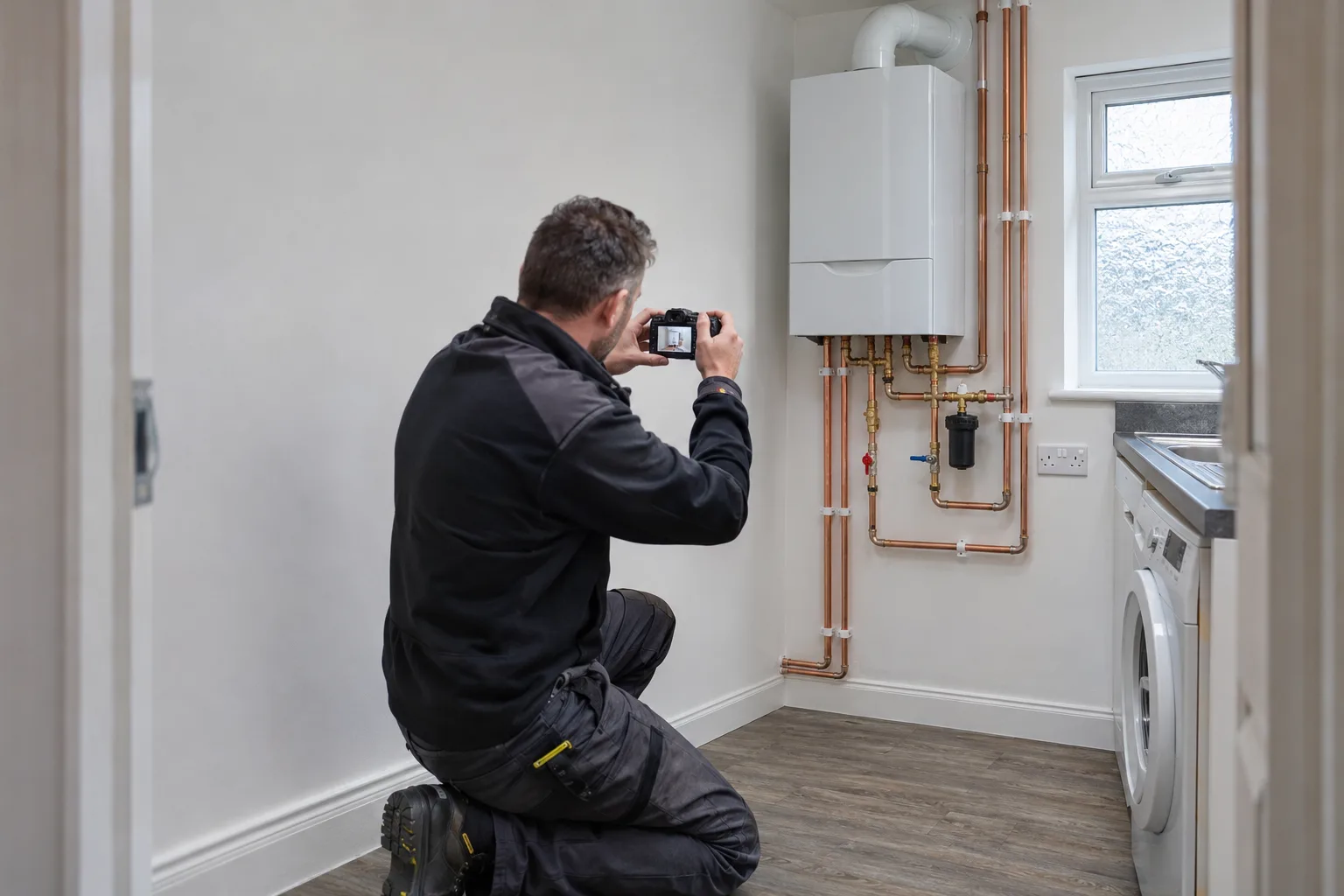
Websites for trades Practical guide
Best website builder for tradesmen: DIY or managed?
The best website builder for tradesmen depends less on templates and more on who will actually get the site live. If you will supply photos, approve copy and make small edits, a DIY-leaning option can work. If the real risk is delay, missing content or no one owning setup, a managed service is usually the better buy.
Take this with you
At a glance
- Choose by owner time first: if you will not gather content and make edits, do not buy on features alone.
- Before you commit, ask who controls the domain, who can edit pages and what you can take with you if you leave.
- Get every setup and monthly charge in writing on the same VAT basis before you compare year-one cost.
Short answer
If you want the blunt version, the best website builder for tradesmen is the one that gets finished, not the one with the longest feature list.
From the vendor pages checked, Tradify is the clearest DIY-leaning option inside trade software, DotGO presents a managed build with editing access, and Yell Amplify is positioned as a managed visibility service that includes a website Tradify Instant Website DotGO Complete Package Yell Amplify.
Use this decision rule. Pick DIY only if you will genuinely gather the photos, approve or write the copy, and keep service details current. Pick managed when the bigger risk is that the site stays half-done, out of date or never launches.
Start with owner time, not templates
Most tradespeople start by comparing layouts. That is rarely the main decision.
The real choice is between your time and someone else’s help. A trade website is mostly simple information done properly: the exact jobs you want, the places you cover, real work photos, trust signals and one clear enquiry route. If you want a quick standard for the page itself, read What to include on a trades service page.
Example
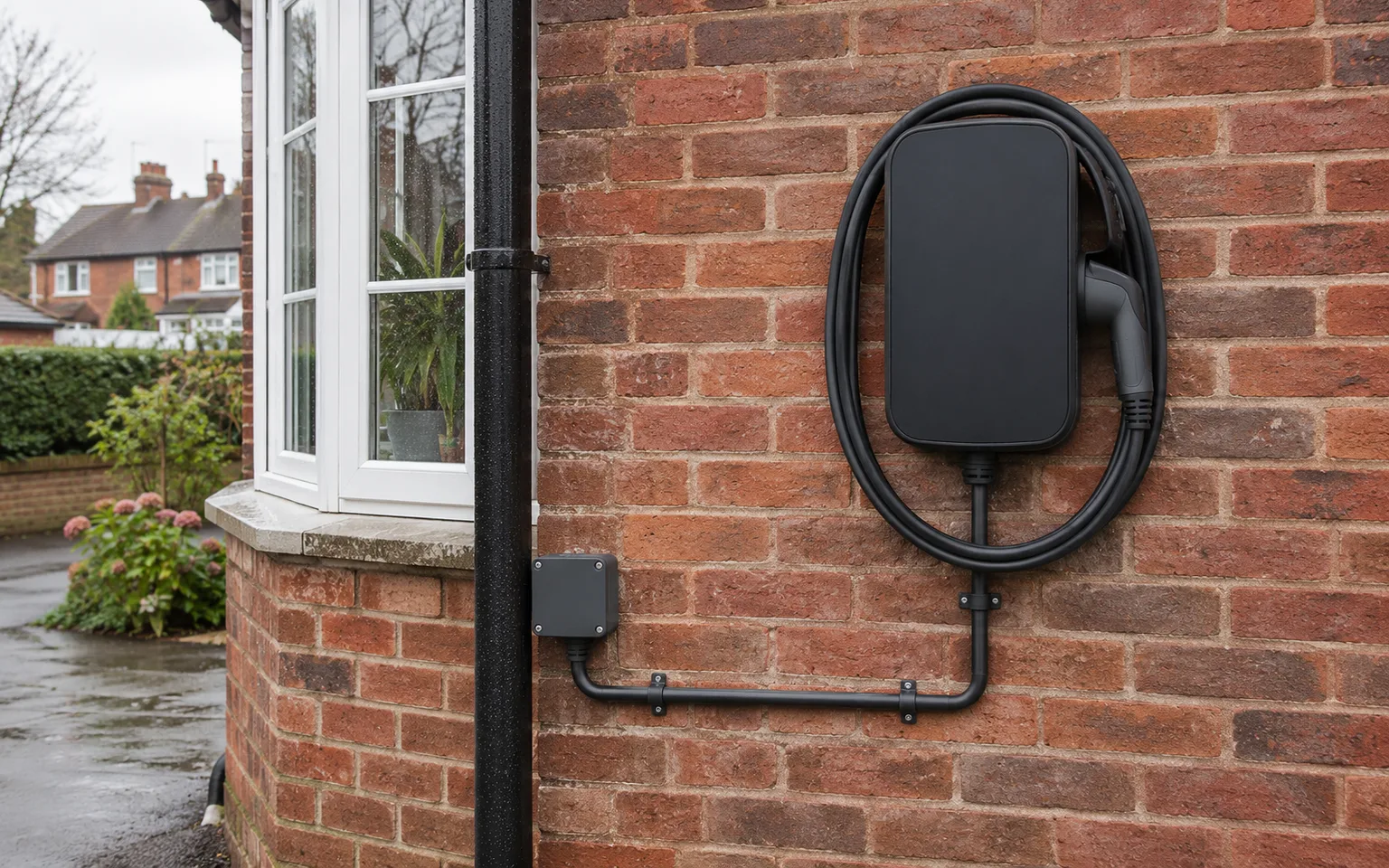
If you fit EV chargers in Derby and nearby DE postcodes, the website still needs specific input from you: charger installs, consumer unit checks, the areas you actually want, your preferred contact route and finished-job photos that show the full install. If that material never gets gathered, the platform choice will not save the project.

DIY versus managed website decision table
Scroll sideways to see all columns.
| Route | Owner time | Setup support | Portability | Ongoing support | Current published limits / pricing |
|---|---|---|---|---|---|
| Tradify Instant Website | Best fit if you want to edit a simple site yourself inside a trade software tool rather than start from scratch. Tradify says you can edit the title, contact details, descriptions, cover photo, logo, services, testimonials and enquiry form details Tradify Instant Website. | Tradify says setup is quick and includes a 14-day free trial plus free one-to-one training and phone support, as published on 2026-11-27 Tradify Instant Website. | Tradify says you can connect your own domain if it is registered elsewhere, or use a free Tradify subdomain, as published on 2026-11-27 Tradify Instant Website. Tradify also says you need an active Tradify subscription to publish, as published on 2026-11-27 How to Publish Your Tradify Website. | Training and phone support are stated on the vendor page Tradify Instant Website. | Instant Website was listed at £10/month, and Tradify UK plans were listed at Lite £34, Pro £37 and Plus £44 per user/month, as published on 2026-11-27 Tradify pricing Tradify Instant Website. VAT was not stated on the checked pages. |
| DotGO Complete Package | Lower owner time than DIY. DotGO says its team designs and builds the site, writes content, sets up branding and social profiles, and still gives you editing tools DotGO Complete Package. | DotGO says the package includes a dedicated designer, content writing team, project manager, 1:1 personal training and social media setup DotGO Complete Package. | Editing access is stated on the package page, as published on 2026-11-27 DotGO Complete Package. I did not find a clear public statement on site transfer or export on the accessible pages checked, as published on 2026-11-27 DotGO Complete Package DotGO Terms and Conditions. | DotGO says it provides premium telephone support plus how-to videos and articles DotGO Complete Package. | The package page showed “Design & Build + £45 per month (Ex. VAT)” and 15 content-rich pages, as published on 2026-11-27 DotGO Complete Package. The wording points to an added design/build element, but I could not confirm its amount from that accessible page, so compare only after DotGO gives the full price in writing. |
| Yell Amplify | Lowest hands-on owner time on the accessible page. Yell presents Amplify as a fully managed organic marketing solution built on your website, listings, reviews and content Yell Amplify. | The accessible page says the offer includes a 30-page website, as published on 2026-11-27 Yell Amplify. | I could not confirm public details on edit access, portability or exit arrangements from the accessible page checked, as published on 2026-11-27 Yell Amplify. | Ongoing management is the core offer; the page says it works “without you lifting a finger” Yell Amplify. | The accessible page stated a 30-page website, as published on 2026-11-27 Yell Amplify. No public price was confirmed from that page, so I have left price out. |
When a DIY-leaning route suits
A DIY-leaning route suits the owner who already runs the business digitally and is comfortable making small edits.
Tradify is the clearest example from the checked pages. The attraction is convenience more than design freedom. If you already use Tradify for quotes, jobs and customer records, adding a simple site inside the same system may be easier than learning a separate website tool Tradify Instant Website.
The main limit to notice is dependency. Tradify says you need an active subscription to publish the website, as published on 2026-11-27 How to Publish Your Tradify Website. So this is not a standalone website product.
Example
If you already use Tradify every day, a sensible setup is to connect your own domain, add your main service lines, upload real job photos and check who holds the domain login before launch. That keeps the website task small enough to finish.
When a managed build suits
A managed build suits the owner whose problem is not confidence with edits but lack of time to pull the whole site together.
DotGO’s package page is closer to that service. DotGO says it handles the design, build, content writing and setup support while still giving you editing tools, as published on 2026-11-27 DotGO Complete Package. That can be a better fit than DIY if no one in the business is realistically going to structure pages, write copy or push the launch over the line.
The check to make before buying is portability. Editing access is useful, but you should still ask what you can take with you later: domain control, page copy, image library and any transfer route. I did not find a clear public transfer or export statement on the accessible pages checked, as published on 2026-11-27 DotGO Complete Package DotGO Terms and Conditions.
Example
If your current site is an old one-page placeholder, ask a managed supplier to list exactly what they need from you in week one: service list, areas, logo, before-and-after photos, testimonials, domain access and preferred contact route. If they are supplying the copy, ask how approval works and how you request later edits.
When a fully managed package may suit
A fully managed package may suit you when you do not want to spend regular time on website and visibility work at all.
That is a different purchase from a pure website builder. On the checked page, Yell Amplify is presented as an ongoing managed visibility service that includes the website element Yell Amplify. If you are weighing that kind of offer, keep the website choice separate from your directory or bought-lead choice. Our trade leads hub and Yell page help with that wider decision, and Is Checkatrade worth it for trades? is useful if you are comparing visibility spend more broadly.
Because I could not confirm public pricing, edit access or portability details from the accessible Yell page, as published on 2026-11-27 Yell Amplify, get those points in writing before you agree anything.
Questions to settle before you buy
Before you book a demo, settle these five points:
- Who owns the domain and where is it registered?
- Who can edit pages without raising a support ticket?
- What content must you supply yourself?
- What happens to the site and content if you leave?
- Who is doing the setup work week by week?
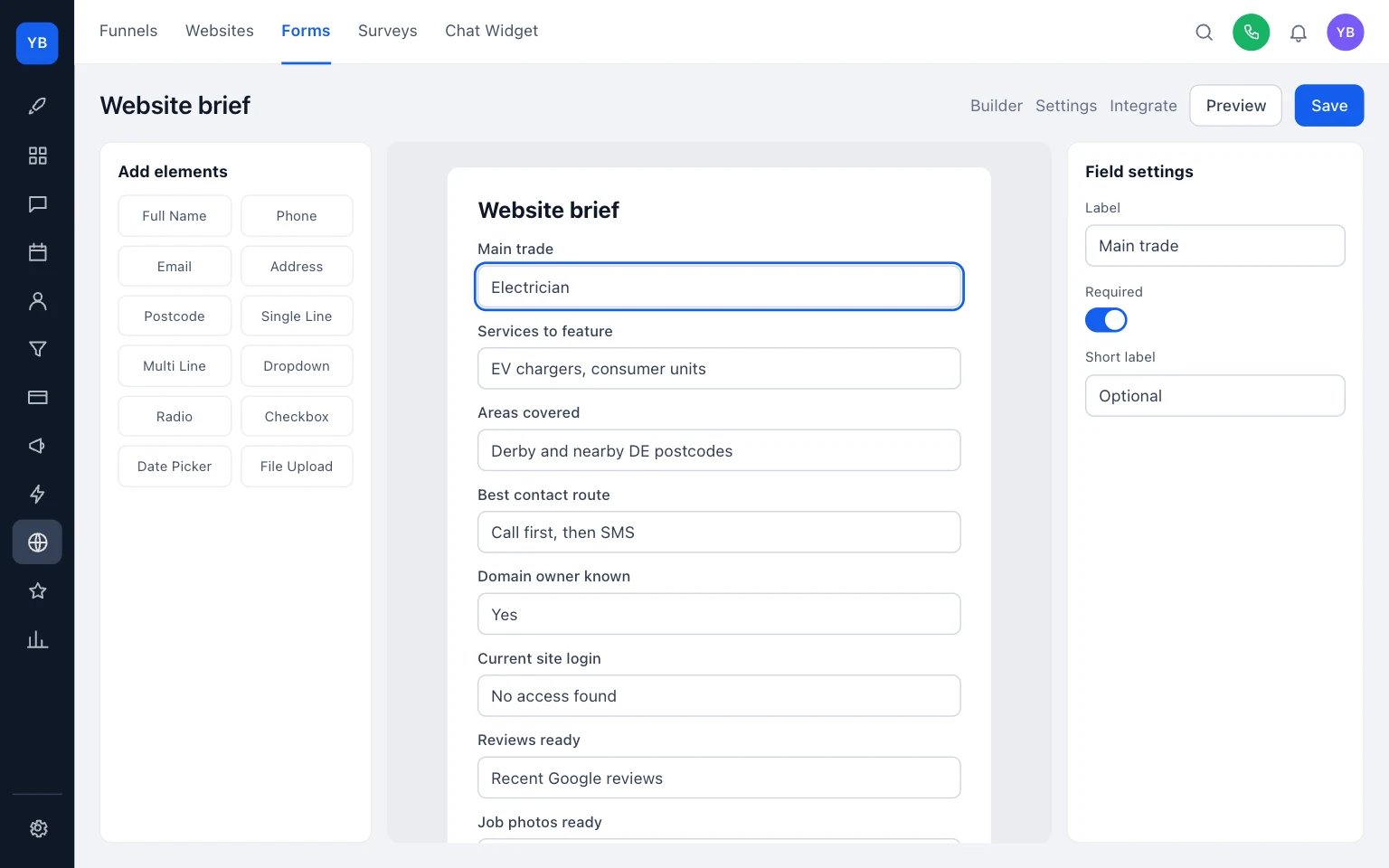
A simple way to prepare is to make one short website brief before you speak to any supplier. Put in your trade, the services to feature, the areas you want, your preferred enquiry route, your current domain details and what photos and reviews you already have. That makes quotes easier to compare and exposes missing information early.
Example
If Supplier A needs you to write every service page and Supplier B includes copywriting and page setup, those are not equal offers even if the monthly figure looks similar. The missing work still has to be done by someone.
Our commercial interest
UKTL has a direct commercial interest here. We sell websites for trades, so we benefit if you choose a managed route with a supplier like us.
That is exactly why I would judge every option, including ours, by the same three tests: owner time, setup support and portability. For some firms, DIY is the right answer. If you already have the content ready, want lighter ongoing spend and do not mind making edits, a simpler route can be sensible.
If you compare us, use the same checks on our service page and on our pricing. If you want more context first, browse /guides/ and also read Plumbing leads in the UK: which source suits you?.
What to do today
Use this checklist before you speak to any supplier:
- Write down how many hours you will personally give to setup over the next few weeks.
- List the exact services and towns or postcodes you want the site to target.
- Gather finished-job photos that show the whole job, not just close details.
- Collect reviews you already have permission to reuse.
- Check who controls the domain registrar login.
- Ask whether you can edit pages yourself.
- Ask what happens to the website, copy and images if you stop paying.
- Ask for every setup and monthly charge before comparing year-one cost.
- Keep your website choice separate from your bought-lead choice.
If your real alternative is staying dependent on bought leads because your own site never gets finished, use the lead platform break-even calculator. Put in your own spend, paid jobs and gross profit per job, then compare that with the time and cost needed to get your own site live and followed up properly.
The bottom line is simple. DIY works when you will actually do the setup and upkeep. Managed works when paying for help is the only realistic way the site gets finished and maintained.

Keep building your enquiry process
See our guides for trades for the wider picture, explore websites for trades with UKTL and check the current package and pricing.
- Plumbing leads in the UK: which source suits you?
- Is Checkatrade worth it for trades?
- What to include on a trades service page
For a practical next step, read Review request templates for UK trades.
Make it practical
Talk through your own setup.
If the website, local search and follow-up all need joining up, we can walk through how the UKTL setup works for your business.
Book a quick call