
Reviews and reputation Practical guide
Review request templates for UK trades
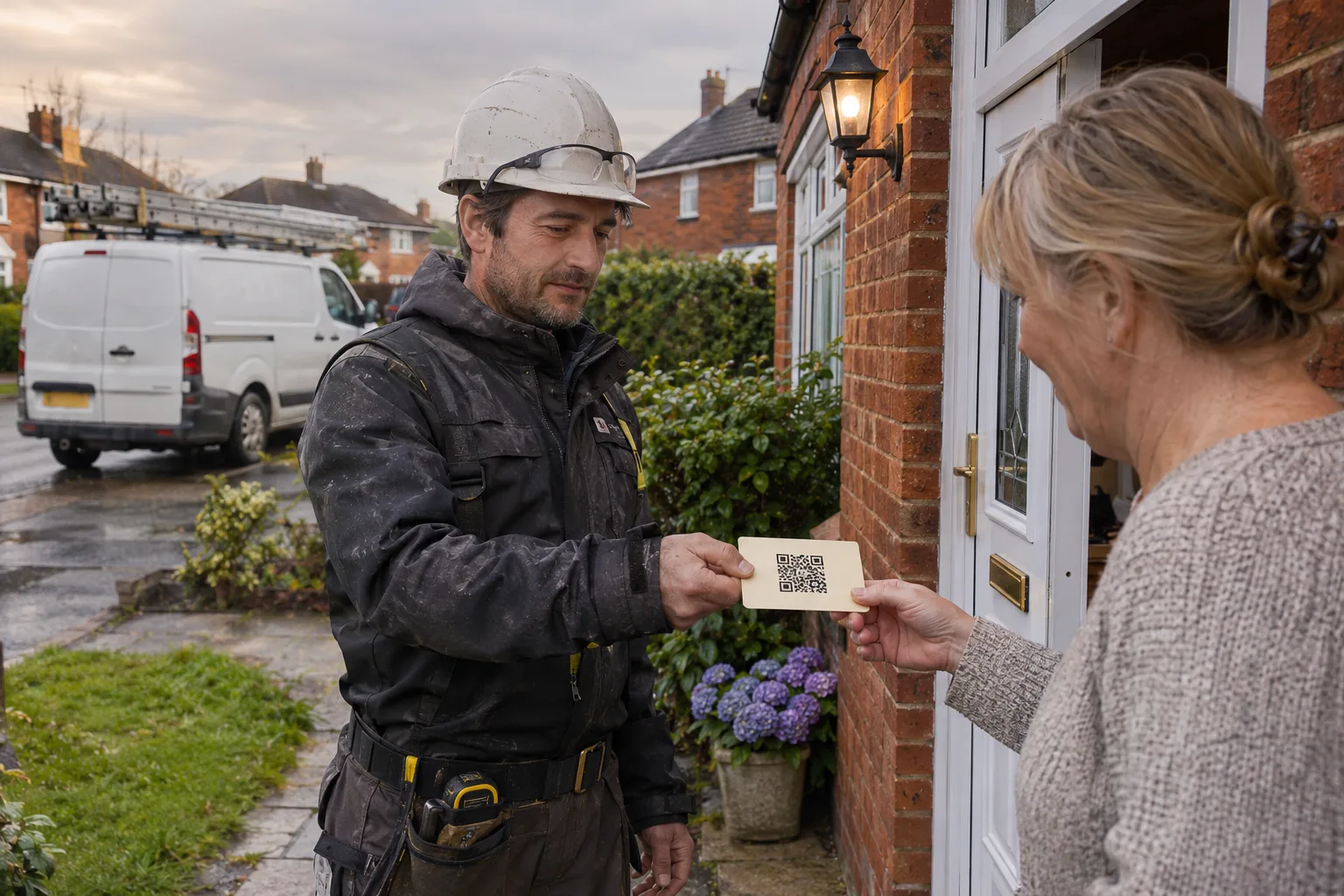
Send one short, neutral review request just after the customer has seen the finished job. Use your own Google review link, ask for an honest review, and do not offer anything in return. For SMS and email, keep the sender clear, handle opt-outs properly, and make sure one person owns replies.
Take this with you
At a glance
- Send the request after completion or handover, not mid-job, and mention the exact work done.
- Use one verified Google review link everywhere and never offer discounts, gifts or prize draws for reviews.
- Decide who sends, which customer list is used, how opt-outs are screened and who owns replies before any message goes out.
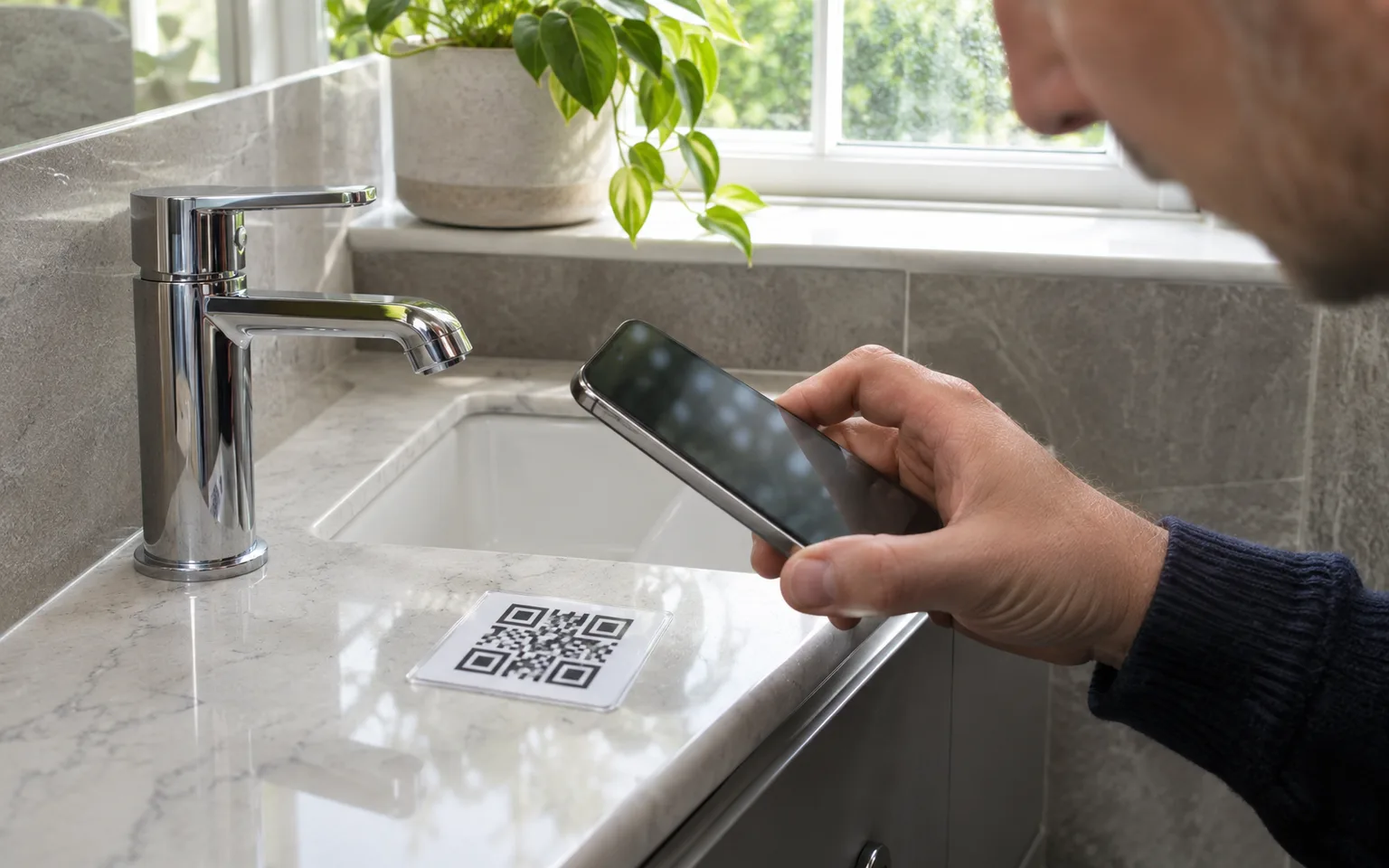
If you want a review request text template tradesmen can copy today, keep it short: thank the customer, name the completed job, paste your own Google review link, and leave the choice with them. Google says businesses can ask customers for reviews by sharing a Google review link or QR code, and that reviews appear on a Business Profile in Search and Maps (Google Business Profile Help, Google Business Profile Help). If you want help setting up the link, wording and follow-up process, see our Google review service.
The short answer
For most plumbers, roofers and electricians, the best review request is one message sent shortly after the job is complete and the customer has seen the result. Same day or next day is usually the cleanest timing.
Keep it neutral. Ask for an honest review, not a positive one. Google says reviews should reflect a genuine experience, and it prohibits offering free or discounted goods or services in exchange for posting, changing or removing a review (Google Business Profile Help).
When to send a review request
Timing matters more than clever wording. Ask when the customer can clearly connect your message to a finished repair, installation or handover.
Scroll sideways to see all columns.
| Job or context | Best send point | Best channel | Personalise with |
|---|---|---|---|
| Small plumbing repair | Same day, once the leak is stopped and checked | SMS | Exact repair and room |
| Roofing repair | After the customer has seen the finished area or completion photos | SMS or email | Roof area and town |
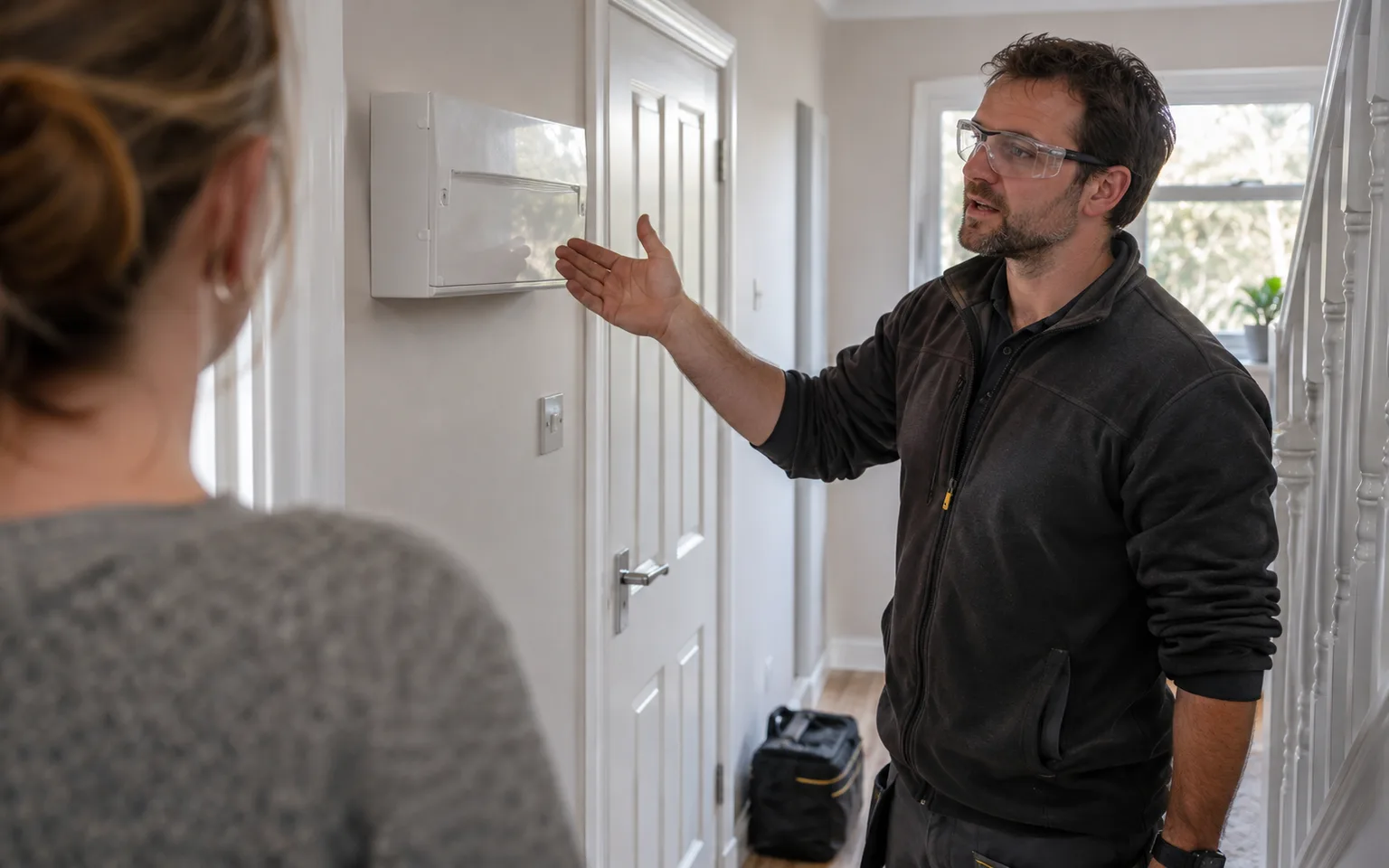
| Electrical remedial work | After handover, once the work has been explained | SMS or email | Exact work completed |
| Planned installation | Next morning | Job type and completion date | |
| Emergency call-out | Only after the customer knows the issue is resolved | SMS | Problem solved |
Google suggests sharing a review link in places such as thank-you emails, receipts and chat follow-ups (Google Business Profile Help). For trades, the completion text or thank-you email is usually the simplest slot.
What to include in the message
A solid review request for a trades business usually has four parts:
- who the message is from
- the exact job completed
- your Google review link
- a simple next step if the customer wants to opt out of similar messages
It also helps to set expectations. Google says customers must be signed in to a Google Account to leave a review, so a short line such as “Google sign-in may be required” is useful (Google Business Profile Help).
Use one verified link everywhere. Google lets you create a review link or QR code from your Business Profile, and on the help page checked on 2026-11-28 the QR code option was shown in the computer-browser steps (Google Business Profile Help). Do not keep copying old links from old notes, old staff logins or an ex-supplier’s documents.
Copyable SMS templates
Use square-bracket fields and replace them before sending.
-
General after-job SMS
Hi [Customer first name], thanks for having [Business name] in today for [job completed]. If you’d like to leave an honest Google review, you can use this link: [Review link]. Google sign-in may be required. Thanks, [Your name]. Reply STOP if you do not want review requests by text. -
Short repair SMS
Hi [Customer first name], thanks again for choosing [Business name] for the [repair] at [area or town]. If you want to leave a Google review, here is the link: [Review link]. Thanks, [Your name]. Reply STOP to opt out of review texts. -
Planned works SMS
Hi [Customer first name], thank you for today’s [installation or work type]. If you have a minute and would like to leave a Google review, here is our link: [Review link]. Thanks for your time, [Your name] at [Business name]. Reply STOP to opt out.
These work because they name the finished job, identify the sender and avoid pressure.
Copyable email templates
Email gives you a little more room, but short still wins.
-
Subject: Thank you from [Business name]
Hi [Customer first name],
Thanks for having us out for [job completed] on [day or date]. If you would like to leave an honest Google review about the work, you can use this link: [Review link]. Google sign-in may be required.
Thanks again,
[Your name]
[Business name]If you would prefer not to receive review request emails, reply with unsubscribe.
-
Subject: Your [job type] is complete
Hi [Customer first name],
Thank you for choosing [Business name] for [job completed] in [town]. If you would like to leave a Google review, here is the direct link: [Review link].
Regards,
[Your name]Reply with unsubscribe if you do not want messages like this.
Email is often the better fit for roofing works spread over several visits, or electrical jobs where the customer may remember the job more easily with a fuller description.
A quick note before you text or email
Google is clear that you can ask customers for reviews by sharing a review link or QR code (Google Business Profile Help). For SMS and email, though, do not treat review requests as an afterthought.
The ICO says email and SMS count as electronic mail, and its direct marketing guidance is broad (ICO). A review request is likely to fall into that wider marketing bucket rather than a pure service update, so it is safer to keep review requests separate from admin messages and avoid bolting on sales lines about rewires, bathrooms or guttering.
The ICO also says unsolicited marketing by email or SMS to individual subscribers needs consent unless the soft opt-in applies, while corporate subscribers are treated differently; in all cases, you must not hide your identity and you need a valid contact route for opt-outs (ICO, ICO). This article is about practical wording and process, not legal advice.
The send and reply checklist
Use this before you send anything in bulk, or before you ask an admin, VA or marketing supplier to do it for you.
- The job is complete, and the customer has seen the finished result.
- The message uses the current verified Google review link or QR route.
- The sender name is clear in the message.
- The message asks for an honest review only.
- There is no discount, gift, prize draw or other incentive.
- There is no line asking the customer to change or remove a review.
- You know how your business is handling review texts or emails for this contact list.
- Any do-not-contact or opt-out list has been checked before sending.
- The message includes an opt-out route where your process needs one.
- One person owns replies, including “please stop” and unhappy responses.
- If another supplier sends the messages, responsibilities are written down.
That last point matters. The ICO says if another organisation sends marketing for you, responsibilities should be clearly set out and compliance checks matter (ICO). For a trades firm, that usually comes down to four practical questions: who sends, whose customer list is used, whose opt-out list is checked, and who answers replies.
examples
These read better because they mention the exact work done.
-
Plumber SMS
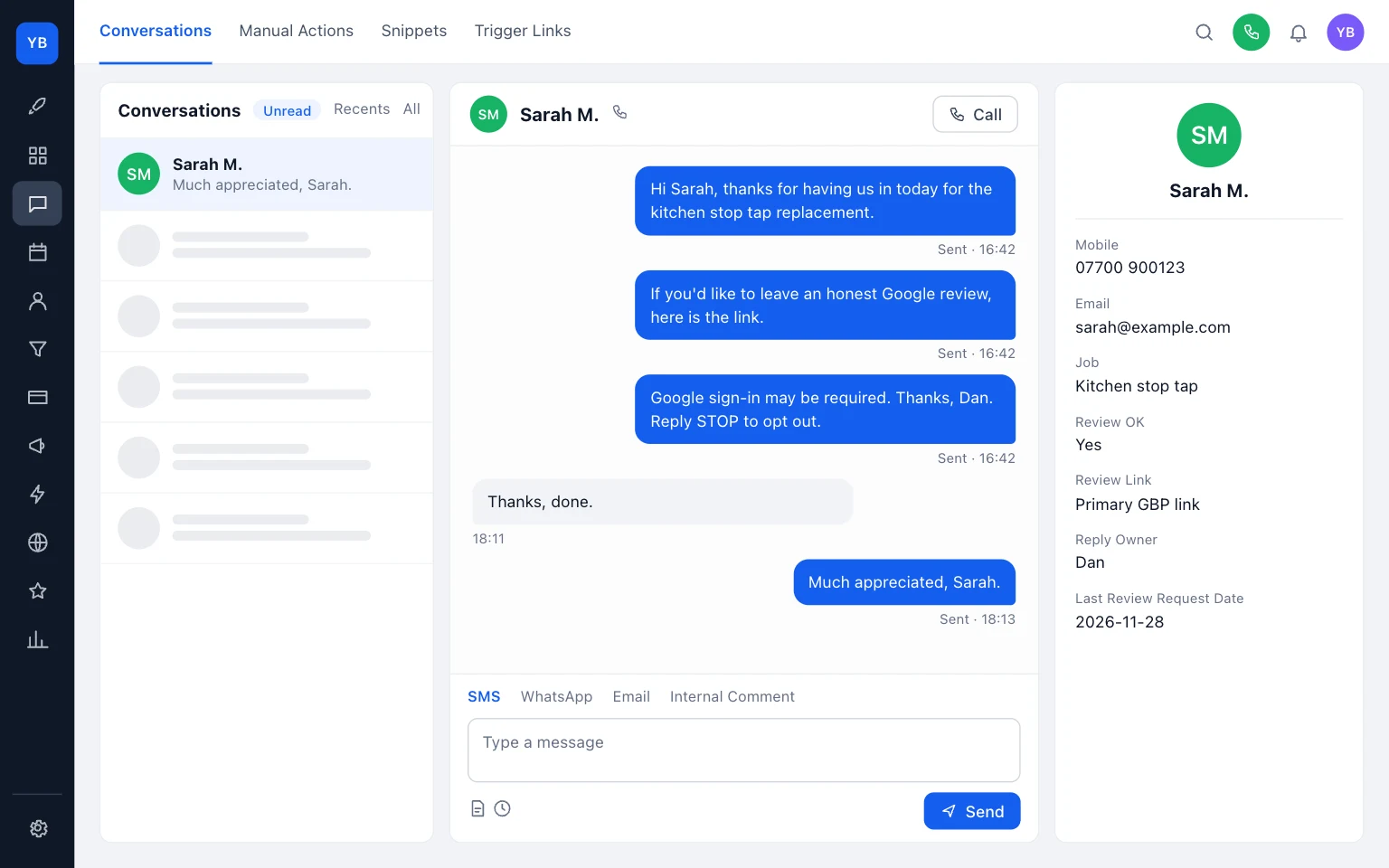
Hi Sarah, thanks for having us in today for the kitchen stop tap replacement. If you’d like to leave an honest Google review, here is the link: [Review link]. Thanks, Dan at [Business name]. Reply STOP to opt out of review texts. -
Roofer email
Subject: Thank you from [Business name]Hi Mark,
Thanks for choosing us for the rear valley repair in Sheffield. If you would like to leave a Google review about the work, here is the direct link: [Review link].
Regards,
[Your name]Reply with unsubscribe if you do not want review request emails.
-
Electrician SMS
Hi Aisha, thanks for having us out today for the extractor fan replacement and test. If you want to leave a Google review, here is the link: [Review link]. Google sign-in may be required. Thanks, [Your name] at [Business name]. Reply STOP to opt out.
Set it up once in your CRM
If you send only a few review requests a month, manual sending is fine. Save one SMS template, save one email template, and keep your review link in the same place every time.
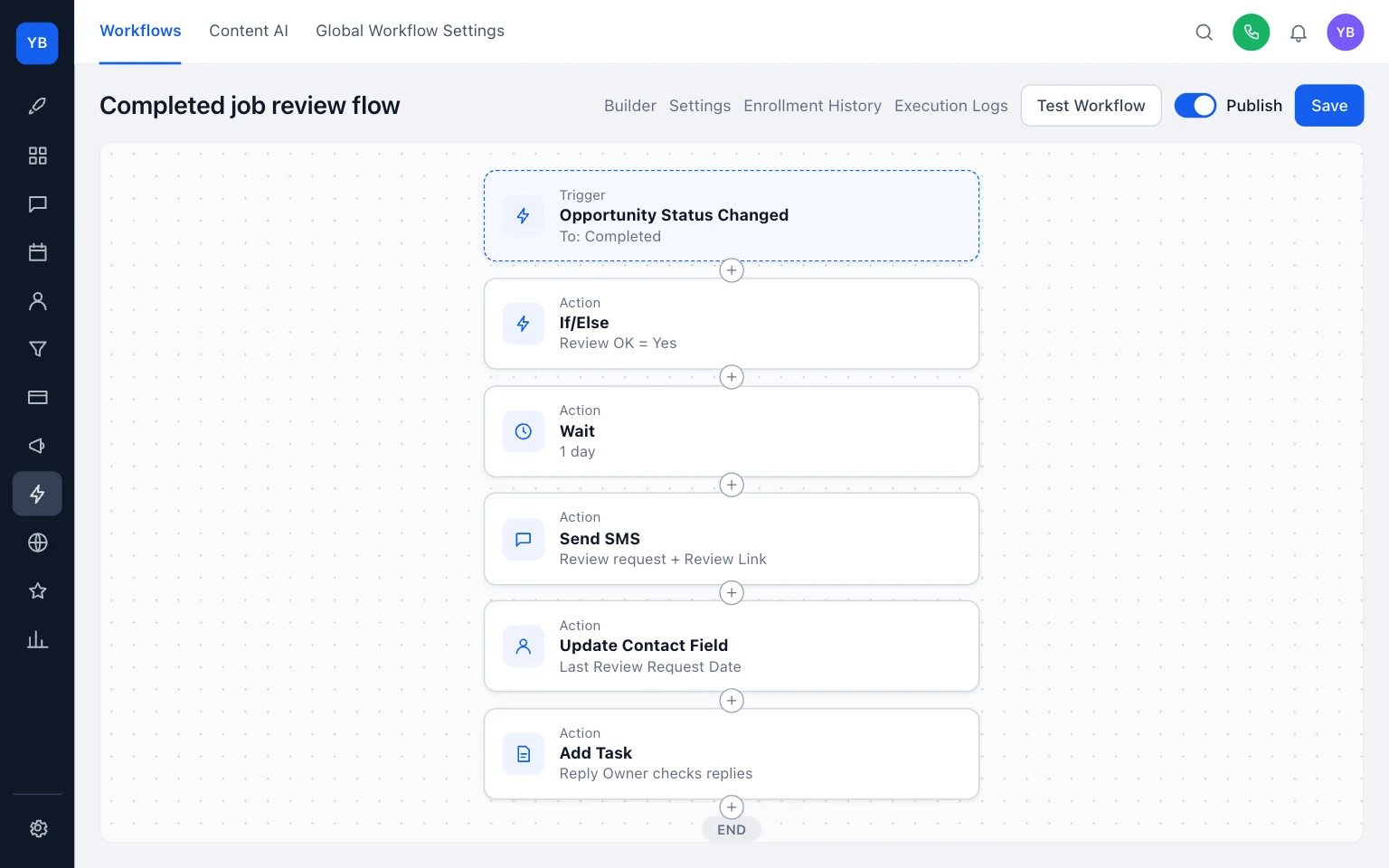
If you run several jobs a week or have office support, set the process up in your CRM. In a HighLevel sub-account, keep four items on the contact or opportunity record:
- Review OK
- Review Link
- Reply Owner
- Last Review Request Date
Then send only when the opportunity moves to Completed. Add a short delay, send one neutral message, update Last Review Request Date, and create a task for the person who owns replies.
This is where UKTL has a commercial interest: we sell review setup and related follow-up work through our Google review service and wider setup shown on our pricing. If you do not need that, use the free review request message generator to draft your SMS or email, then edit the bracket fields before you send.
If you want the review step to sit alongside your website and enquiry flow, these pages may help: websites for plumbers, websites for roofers and websites for electricians.
Fit it into the rest of your lead flow
A review request works best when it is part of your normal completion routine, not a scramble when someone remembers. If jobs come from your own website, a lead platform or a directory, the handover point should still be the trigger.
That matters if you rely on bought enquiries as well as repeat work. Add the same completion step to jobs won through trade leads platforms or a profile such as Checkatrade, so reviews do not depend on memory.
What to do today
- Generate or verify your Google review link.
- Save one SMS template and one email template with bracket fields.
- Decide your send point for completed jobs.
- Decide who owns replies and opt-outs.
- Test the process on the next completed job.
If you are tightening up the rest of your enquiry process as well, browse our guides, including Plumbing leads in the UK: which source suits you?, Is Checkatrade worth it for trades? and Best website builder for tradesmen: DIY or managed?.
Keep building your enquiry process
See our guides for trades for the wider picture, explore reviews and reputation with UKTL and check the current package and pricing.
Make it practical
Talk through your own setup.
If the website, local search and follow-up all need joining up, we can walk through how the UKTL setup works for your business.
Book a quick call